Buried Treasure: 10 Hidden Cruise Control Settings Your Mechanic Knows About (And You Don't)
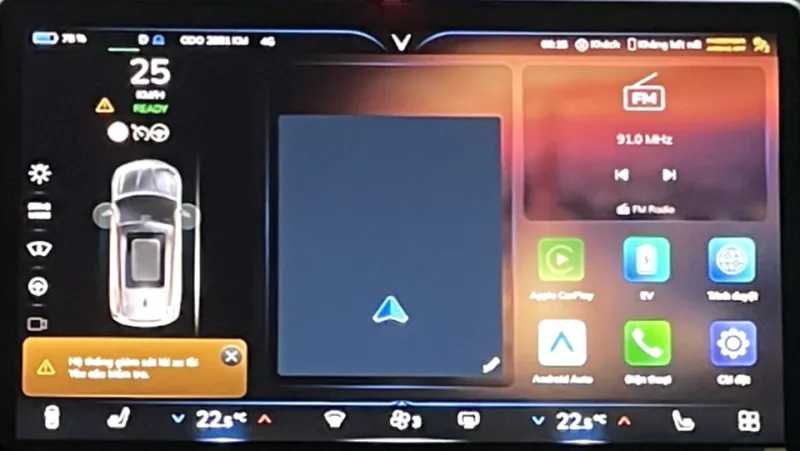
Photo: Vnsg304, CC BY-SA 4.0, via Wikimedia Commons
Most of us treat cruise control like a light switch: on, off, done. But modern vehicles — even base-trim ones — ship with a surprising amount of customization buried in settings menus that dealers rarely mention and owners' manuals describe in language only lawyers could love.
We combed through forums, service documentation, and a few very long conversations with independent mechanics to round up the ten settings most worth finding. Some of these will genuinely change your daily commute.
1. Follow-Distance Memory
Many cars reset adaptive cruise to the maximum following gap every time you restart. Others can be set to remember your last choice. On Toyota, Honda, and most GM products, the gap persists by default; on some Fords and Hyundais, a settings toggle lets you lock it in. If you find yourself re-setting the gap every morning, look for "Cruise Distance Memory" or similar.
2. Resume Behavior: Cold Resume vs. Confirm-First
Here's a setting that matters. Some cars resume your previous cruise speed instantly when you hit "Resume" — even if that speed is 20 mph faster than traffic is moving now. Others require you to confirm. On Volkswagen and Audi models, a coding change (or a dealer visit) can soften the resume jump. On domestic trucks, check for a "Resume Acceleration Rate" option in the driver-assist menu. A gentler resume means fewer heart-stopping surges in afternoon traffic.
3. Speed Limiter Lock
Fleet buyers have had this for years, and it's increasingly trickling into consumer vehicles: a hard speed cap that requires a PIN or dealer tool to change. Parents of teenage drivers, take note — Ford's MyKey and GM's Teen Driver both let you cap top speed and even mute the radio until seatbelts are buckled.
4. Cruise Speed Offset
Some European-market vehicles and a few US-market Volvos and BMWs let you set a permanent offset — say, +2 mph — so your cruise always targets 62 when you set "60." If you're tired of watching your speedometer drift below the flow of traffic, this is your fix.
5. Off-Road / Towing Cruise Mode
Full-size trucks from Ford, GM, and Ram offer a tow/haul or off-road cruise profile that changes throttle mapping and downshift behavior. If you're pulling a camper or a boat, enabling it makes cruise control far less twitchy on grades. It's usually a dash button, not a menu setting — and most owners never press it.
6. Adaptive Cruise in Stop-and-Go
Many cars ship with full-speed-range ACC disabled below a certain speed, even when the hardware supports it. On some Hondas and Subarus, a settings toggle (or a software update) enables full stop-and-go functionality. Check for "Traffic Jam Assist" or "Low-Speed Follow."
7. Lane Centering Aggression
If your car has lane centering, there's often a hidden choice between "centered" (ping-ponging between lane lines) and "lane-edge" behavior that hugs your preferred side. Tesla, GM, and Ford all handle this differently, but Subaru's EyeSight and Toyota's TSS both expose tuning options in the settings tree.
8. Automatic Speed Sign Adaptation
Newer GM and Ford vehicles can read speed limit signs and adjust cruise automatically — or just suggest an adjustment. If yours keeps slowing down because it misread a sign (a genuinely common complaint), you can usually toggle "Speed Sign Recognition" from automatic to advisory-only.
9. Haptic Steering Wheel Feedback
Some cars let you choose between lane-keep warnings that vibrate the wheel, tug the wheel, flash a light, or all three. If the vibration makes you jump, dial it down. A warning you flinch at is a warning you'll learn to ignore.
10. Cancel vs. Full Off
Small but mighty: many cars distinguish between "Cancel" (a tap, preserving your set speed in memory) and "Off" (which erases it). Learn which button does which on your specific car, and you'll stop losing your set speed every time traffic slows for a merge.
Go Digging
Every manufacturer buries these differently, and trim levels matter — a base trim may genuinely lack a feature that an owner's forum swears exists. When in doubt, search "[your vehicle] [feature name] settings" and check the model-year-specific threads.
The car already knows how to do all this. It's just waiting for you to find the menu.